How Food Trucks Can Use QR Codes to Get More Customers
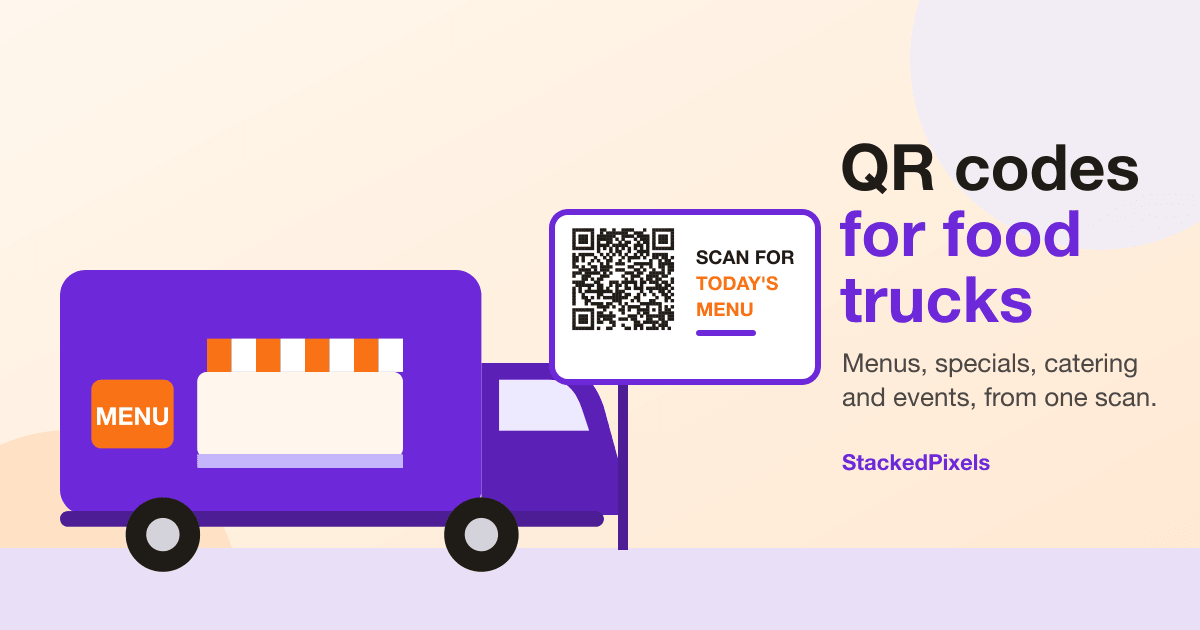
A food truck has about two square feet of window and a line of people deciding what they want. You can't hand each of them a menu, you can't print a new one every time you run out of brisket, and you probably aren't parked in the same place tomorrow.
A QR code is a cheap way to deal with all of that. It turns the truck itself into a signpost: someone scans it, and their phone opens whatever you want them to see. This guide covers QR codes for food trucks in practical terms: where to put them, what to link them to, and how to change your mind later without paying for another print run.
What a QR code does (and doesn't do) for a food truck
A QR code is a link you can scan. That's all. It doesn't take orders, process payments or keep your menu up to date on its own. What it does is send people to the right place with one tap: your menu, your ordering page, today's location, a catering form, your Instagram.
That distinction matters when you plan what to print. The code is the doorway; the page behind it is what actually helps your customer. So the first decision isn't how the code looks. It's where it should lead.
Seven places a food truck can put a QR code
- The serving window or the side of the truck. This is the one most people will see, so make it the "menu and ordering" code. Put it at the height of a phone held at chest level, not up by the roof line.
- A freestanding sign in the queue. People waiting in line have time to scan. A sign at the back of the line lets them decide before they reach the window, which keeps the line moving.
- Banners and booth signage at events. Festivals and markets are crowded and noisy. A big code on a banner works from a distance, and you can send it to an event-specific page.
- Flyers, postcards and business cards. Hand these out at offices, breweries and farmers markets where you want repeat visits or catering inquiries.
- Bags, cups and packaging. The customer is already holding your brand. A small code and a line like "Order ahead next time" costs nothing extra to print.
- Social posts and your Google Business Profile. A QR code in a photo is handy for people who see your post on a screen and want to look you up on a phone.
- Catering one-sheets and menus for events. A printed sheet for event organizers can link straight to your catering page or inquiry form.
A few practical notes for outdoor use:
- Use high contrast. Dark code on a light background scans best, and glare is the enemy, so a matte finish beats a glossy one in direct sun.
- Leave a clear border around the code. Don't let artwork or the edge of a sign crowd it.
- Size it for the distance. A common rule of thumb is that a code scans reliably from about ten times its width, so a 10 cm (4 in) code is comfortable from roughly a meter away. Test it standing where your customers will stand.
- Add a short instruction next to it, such as "Scan for today's menu". A bare code with no context gets ignored.
- Print on something that survives weather and wiping, and check it now and then. A scuffed code that doesn't scan is worse than none.
Our QR label field checklist goes deeper on print specs, and the guide to QR code menus for restaurants covers placement and testing in more detail.
Use case 1: A digital menu for your food truck
The most common reason to print a code is the menu. A digital menu for a food truck has a few real advantages over a printed board:
- You change it once and everyone sees the update. Sold out of the short rib? Remove it. Added a special? Add it.
- Customers read it on their own phone instead of crowding the window.
- You aren't limited by how much text fits on a chalkboard.
You have a few ways to build the page the code points to:
- A hosted landing page. A mobile-friendly page with your menu, hours, location and links. StackedPixels landing pages are built for this, and they're part of the paid plans. The pricing page shows what each plan includes.
- A link to a menu you already have. If your menu lives on a website or in a PDF, a QR code can point there. Check that it's readable on a phone without pinching and zooming.
- An ordering page. If you take pickup orders online, the code can lead to that page. More on that below.
Whichever you pick, test the page on mobile data, not just Wi-Fi. A page that takes ten seconds to load on a street corner loses people.
Use case 2: Link the code to an online ordering page
If you take online pickup orders, a QR code is a good way to send people to that ordering page. To be clear about what's happening: the code only opens a link. The ordering and any payment happen on the page it opens, through whatever ordering tool you use.
If you're looking for that ordering side, our guide to online ordering and management tools for food trucks covers what to look for and how StackedTables handles pickup orders, menus and the kitchen. StackedPixels makes the code and tracks the scans; StackedTables is the tool behind an ordering page.
Use case 3: Change where the code points without reprinting
This is the single biggest reason to use a dynamic QR code rather than a static one.
A static code has its destination baked into the pattern. Change the destination and you have to print a new code. A dynamic code points to a short redirect link that you control, so you can change where it leads at any time while the printed code stays exactly the same.
For a food truck that means:
- Point the window code at this week's menu, then next week's, on the same sticker.
- Switch a banner from "find us at the Saturday market" to "we're at the brewery on Sunday" without a new banner.
- Fix a typo in a link after you've already printed 500 flyers.
- Point an old code at a new page if you rebuild your site.
If you want the full picture, we wrote a comparison of dynamic and static QR codes. For anything you'll print once and use for months, dynamic is almost always the safer choice.
Use case 4: Promote specials, events and your schedule
Food trucks run on timing: today's special, this weekend's festival, the pop-up at the brewery. A few ways to use a code for it:
- A "today" page. One page that says where you are today, your hours and your specials. The code on the truck always points to it, and you update the page each morning.
- An event page per event. Give each festival or market its own page and QR code on the banner. After the event, you can repoint the code at your regular page.
- A limited-time offer. Print a code on a flyer that leads to a page describing the offer. Keep the offer's terms on the page so they're easy to update.
Use case 5: Compare which placements actually get scanned
If you make a separate dynamic code for each placement, you can see which ones people scan. The window sign, the banner and the flyer each get their own code, and your scan analytics show the counts.
This tells you what's worth reprinting. A flyer code nobody scans might mean the flyer is going to the wrong places, or that the call to action is weak. A caveat: scan counts show interest, not sales. They're a useful signal, not proof that a placement made money.
Use case 6: Collect catering inquiries and feedback with a form
A QR code can also lead to a form. StackedPixels includes a form builder: you create fields, publish the form on its own link, and point a code at it.
Two forms that suit food trucks:
- A catering inquiry form with fields for name, contact details, event date, location, rough headcount and any dietary notes. It's far easier for an event planner to fill in on a phone than to track down your email address.
- A short feedback form on packaging or receipts. Even three questions, such as what they ordered, how it was and whether anything was missing, can show you patterns.
How many forms you can create depends on your plan, so check the pricing page for current limits.
Use case 7: A branded landing page and your own domain
Instead of sending people to a different link for every purpose, you can give them one branded page: your logo, your menu, today's location, buttons for ordering, catering and your social profiles. Each QR code can then point to that page, or to a different page for a specific purpose.
On plans that include custom domains, you can serve that page from a web address you own, such as a subdomain of your truck's website, rather than a generic one. That looks more trustworthy on a printed sign. Landing pages and custom domains depend on your plan, so see the pricing page before you plan around them.
Use case 8: Social profiles, reviews and repeat visits
A QR code can lead to a "follow us" page with links to your Instagram, TikTok or Facebook, or straight to your Google review page. Put it on bags and receipts for the customers who just enjoyed their food, since that's when they're most likely to follow or leave a review.
Don't try to cram everything into one code. One clear action per code works better than a page of ten choices.
How to set up a QR code for your food truck
Here is the short version of the workflow in StackedPixels:
- Decide where the code should lead. Menu page, ordering page, event page, form or social profile.
- Create a dynamic QR code and paste in the destination link.
- Style it with your colors and logo, keeping enough contrast to scan reliably.
- Download it and print it on a sign, sticker, banner or flyer. You can also use the label designer to lay out stickers and signs.
- Test it. Scan it with a few different phones, in real daylight, from the distance your customers will use.
- Watch the scans and repoint the code when your menu, location or event changes.
You can create a QR code with StackedPixels and start on the free plan. Unlimited static codes need no account, and the free plan with an account includes dynamic codes with scan tracking up to a limit. The pricing page has the current numbers, and the small business page explains what's included.
A simple setup for one truck
Here's how that might look for a single truck, with four separate dynamic codes:
- Window sign: points to today's menu and ordering page.
- Event banner: points to an event page with your location, hours and social links.
- Flyers and cards: point to a catering inquiry form.
- Bags and packaging: point to a "follow us and order ahead" page.
Because each code is separate, you can see which one is doing the work, and you can repoint any of them later without reprinting.
Common mistakes to avoid
- Using a static code for something that changes. If it might change, use dynamic.
- Printing it too small. If people have to lean in to scan it, they won't.
- Pointing it at a page that isn't live yet. Check the link before the print run, not after.
- Making the page slow. Compress images and keep it light for mobile data.
- Offering too many choices. One code, one purpose.
- Having no fallback. Keep a short web address or a printed menu for anyone whose phone won't scan or who has no signal.
Frequently asked questions
Do food trucks need a dynamic or static QR code?
If the destination might ever change, such as a weekly menu, event pages or a new website, use a dynamic code. A static code is fine for something permanent that you'll never need to edit.
Can a QR code take payments or orders?
No. A QR code only links to a page. If that page is an online ordering page, orders and payments are handled there by the ordering tool. The code just gets the customer to it.
How big should the QR code be on my truck?
Size it for the distance people will scan from. As a rough guide, a code works from about ten times its width away, so a 10 cm (4 in) code suits about a meter. For signs people read from further back, such as banners, go bigger, and always test it in real conditions.
What if customers have no signal?
Some event sites have poor reception. Keep your menu light so it loads quickly, show a short web address next to the code, and keep a printed menu on hand.
Is it free to get started?
You can make unlimited static QR codes without signing up, and the free plan with an account includes dynamic codes with scan tracking up to a limit. Landing pages, custom domains and higher limits are on paid plans. See the pricing page for the current details.
Ready to put a code on your truck?
Start with one code on your window that leads to today's menu, then add more as you see what works. Create your first QR code with StackedPixels, look at the plans and pricing, or read how to take pickup orders online with StackedTables.
Create your QR codes with StackedPixels
Dynamic QR codes, GS1-compliant labels, hosted landing pages, and scan analytics — all in one platform. Free to start.
Get started free